

Built forprofessional associations
The whole organisation,on one platform.Set up and run with you.
Members and dues. The conference and everything that happens on the day. CPD and certificates anyone can verify. Courses, the vault, newsletters and the reports your board asks for. One record of every member, feeding all of it.
- Multi-track agenda
- QR check-in
- CPD ledger
- Automated renewals
- Blind abstract review
- Verifiable certificates
- AGM ballots
- Live polling
- Newsletters
- The Vault
- Reports
- Local payment gateways
- Own domain
- Course builder
- Room screens
- Badge printing
- WooCommerce
- Job board
- Committees
- Event embeds
- Speaker portal
One platform, every job
The people, the events, the solutions and the running of it. All in one.
Not a conference app with a members list bolted on, and not a CRM that has heard of events. Each part below feeds the others, because they share one record of every member.
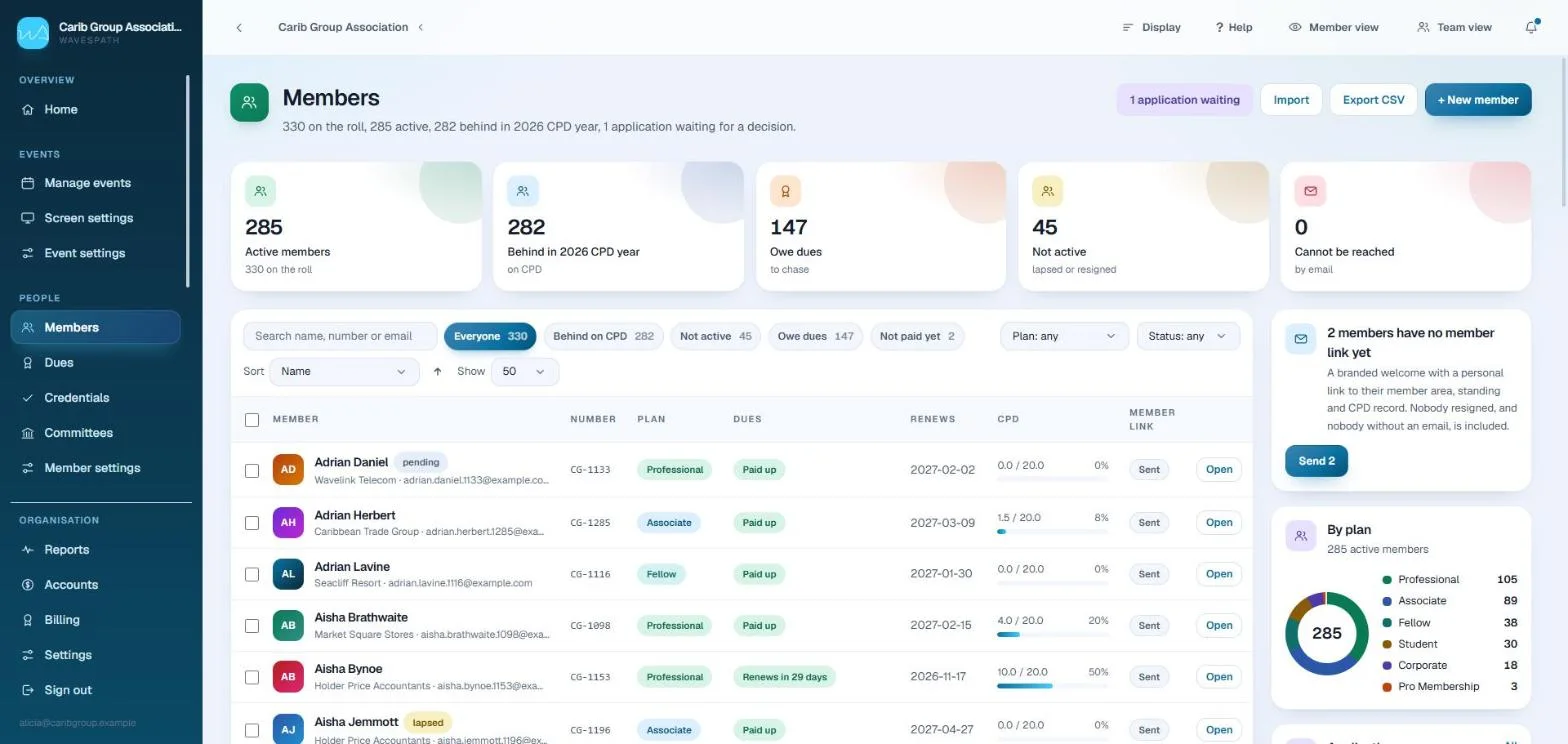
The organisation, running itself between events
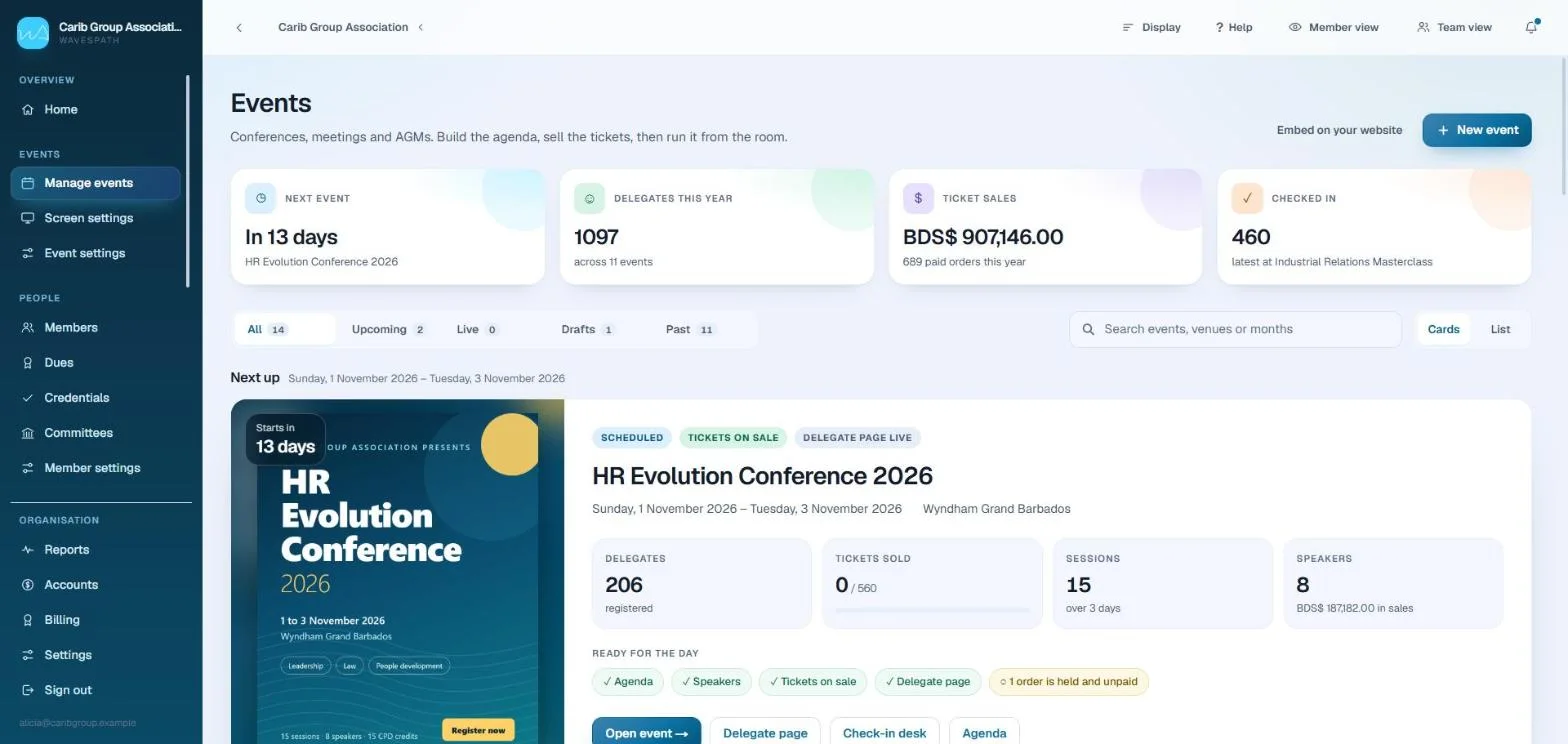
One engine from call for papers to closing plenary
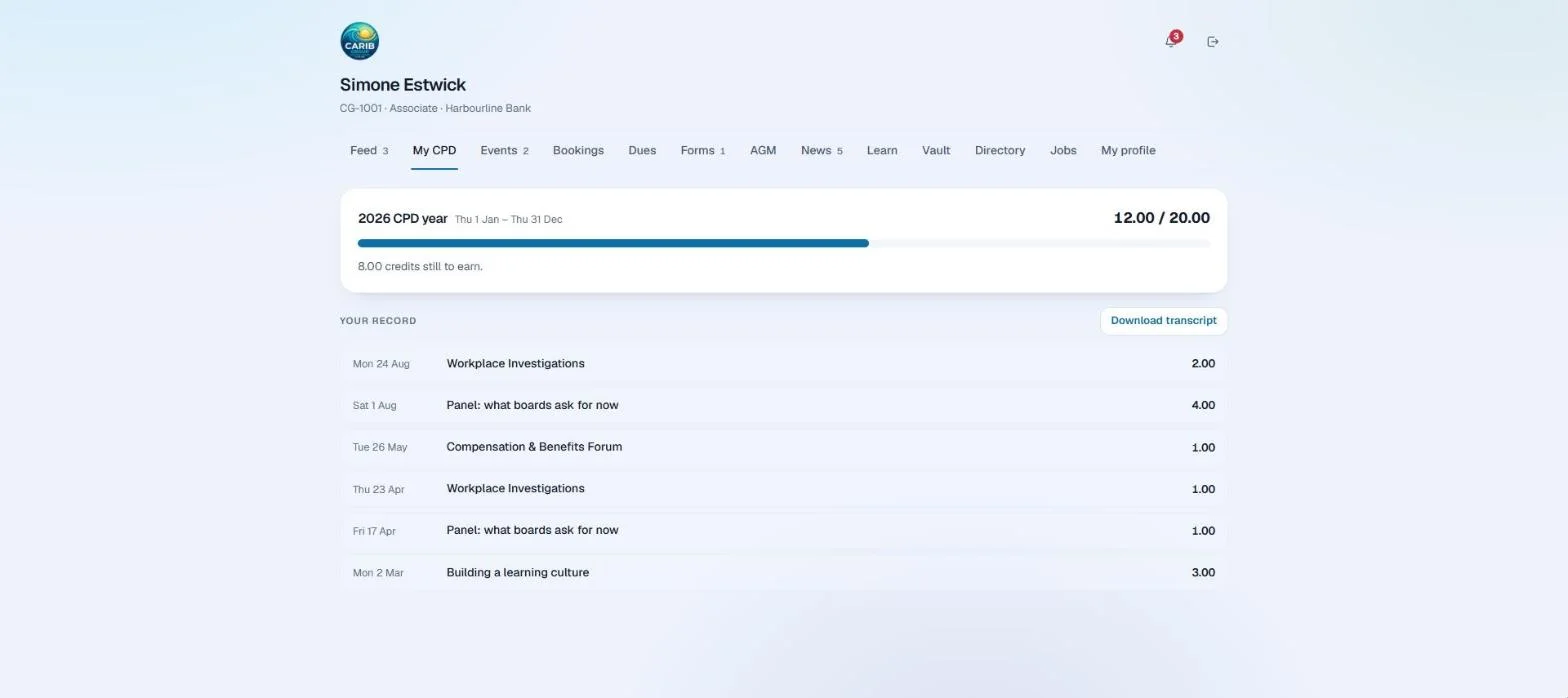
The paperwork that proves a profession
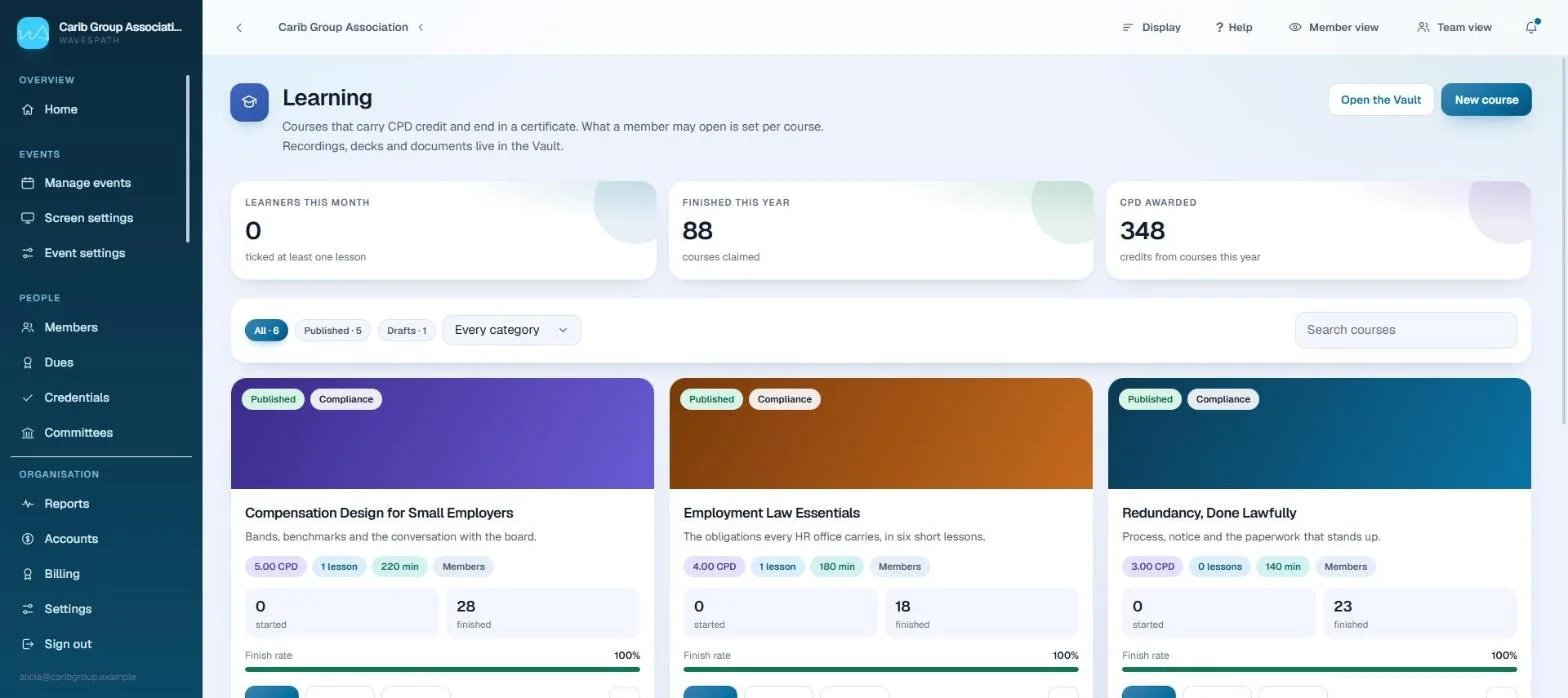
The conference stops being three days a year
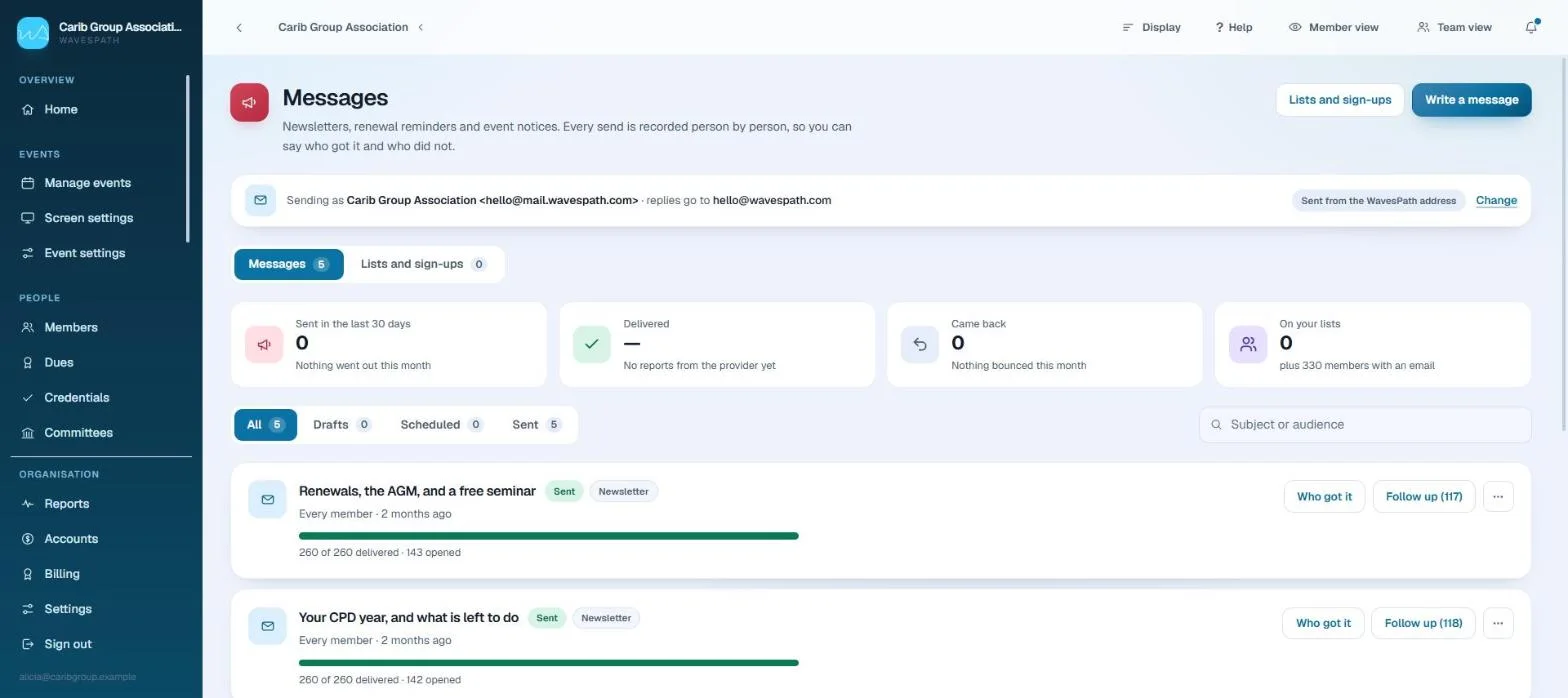
Reach the whole membership without a mail-merge
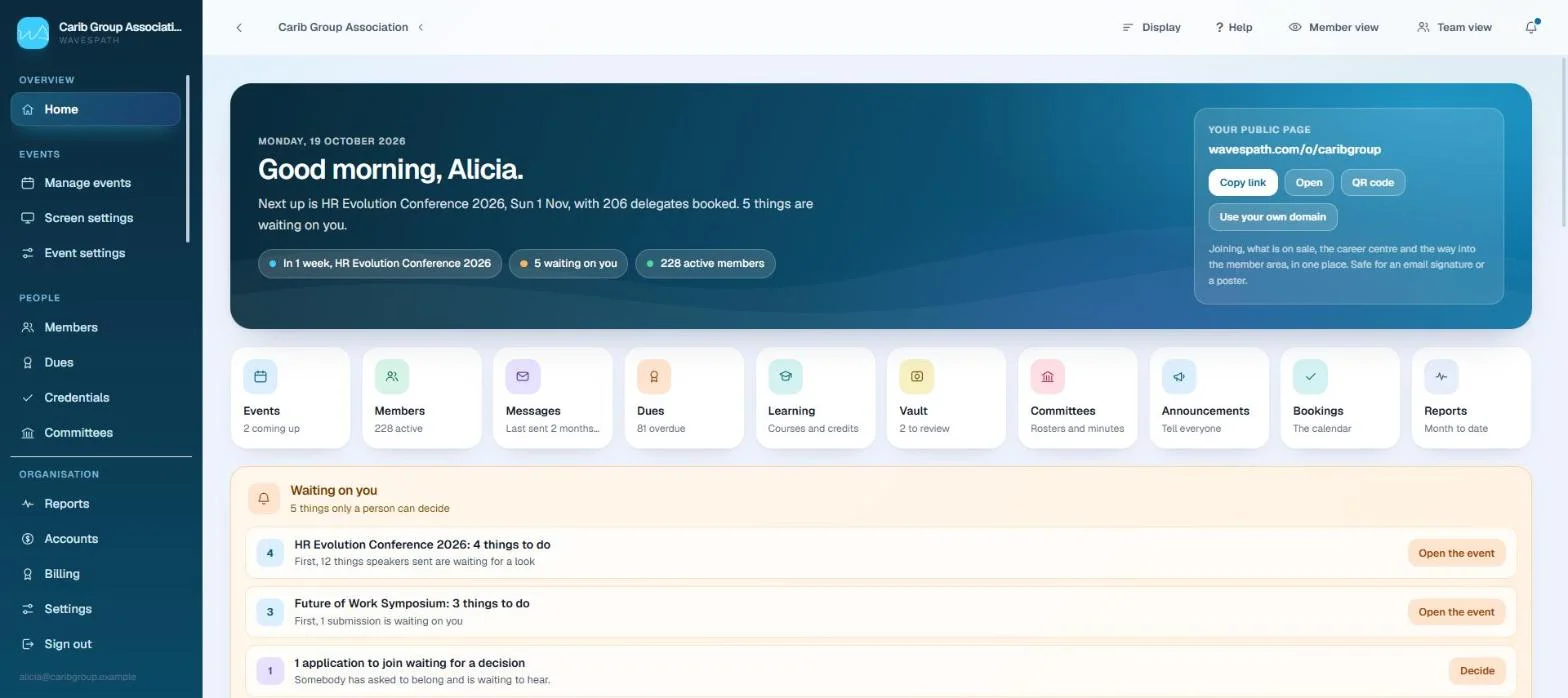
Built for a small team with a big year
Why members come back
A credential ledger, not an event app
Members of professional bodies carry a recurring obligation to earn and evidence credits. That obligation, not networking and not the agenda, is the only thing that reliably brings a member back when there is no conference on.
So WavesPath puts the ledger at the centre and feeds it from everything else. That is the difference between software used three days a year and software used every month.
- Attend a sessionScanned at the door
- Complete a courseFinished at home
- The CPD ledgerOne record, every credit
- Certificate and transcriptVerifiable by anyone
The workspace
Where a secretariat spends its day
Members and the public
Their side of it
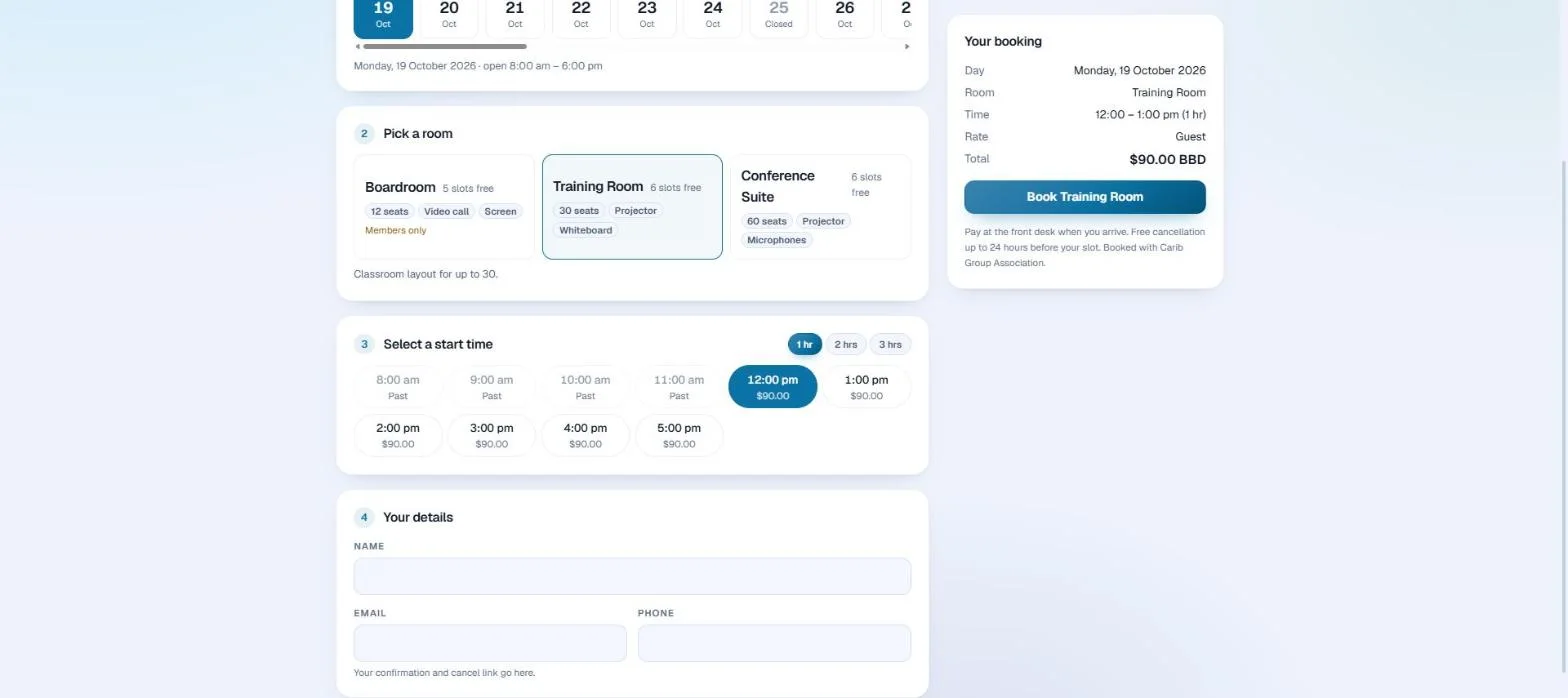

Events and conference
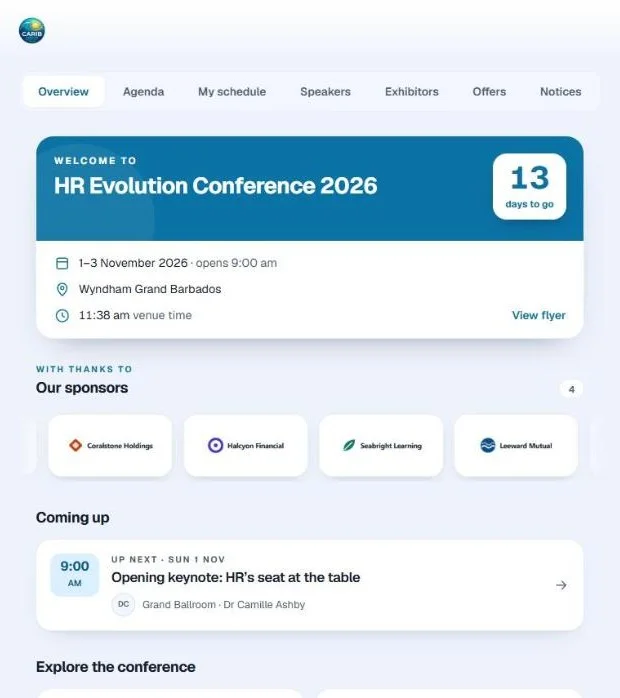
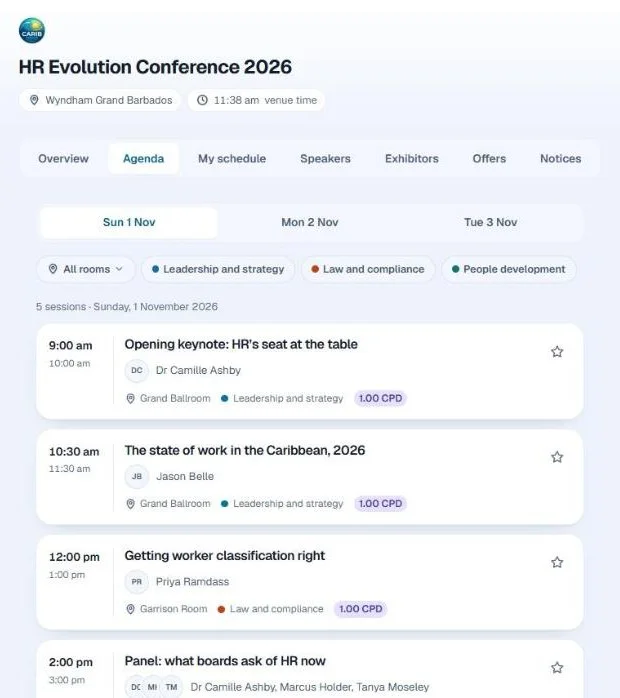
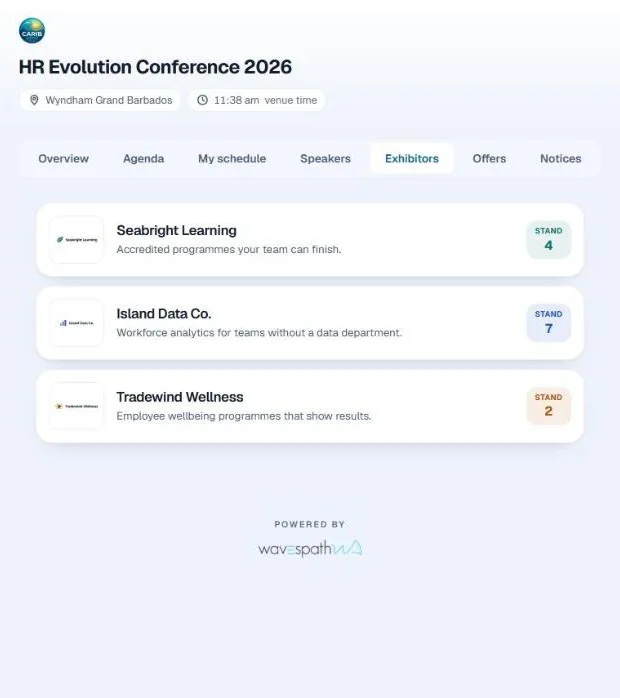
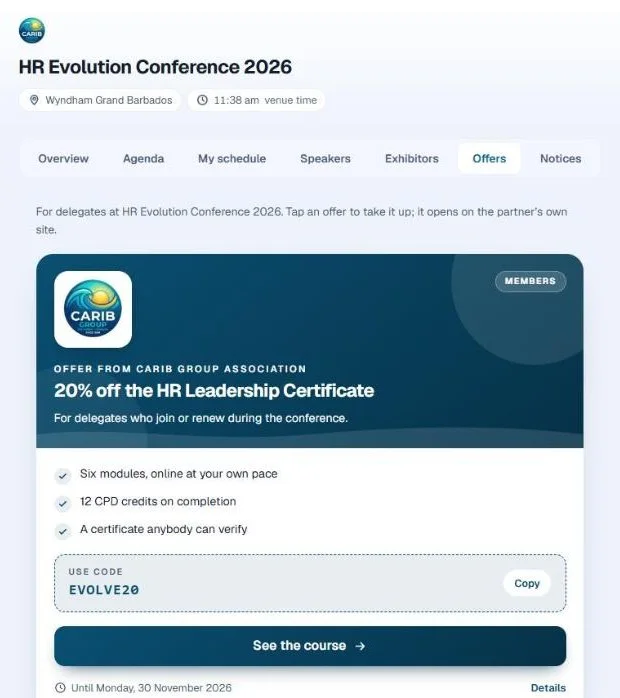
The conference in every delegate’s hand

About us
Seamlessly navigating organisations, events and training
Managing membership organisations, professional bodies and corporate training programmes presents its own logistical challenges. WavesPath is an all-in-one management platform built for businesses, non-profits and professional associations that want to streamline operations and drive engagement.
Built around the spirit of ocean navigation, WavesPath brings clarity and steady waters to administrative complexity. It is made and run by TAPP Digital Incorporated, and it is set up and run with you rather than handed over as a blank system.
Chart the path for your members
Centralise member records in one living directory. From automated renewals and dues handling to plan assignments and communication that reaches the right people, tracking member engagement feels like clear sailing.
Set course with precision training
Empower workforce upskilling with flexible learning tools. Map out custom learning paths, track progress across distinct waypoints, issue verified digital certificates, and keep your people certified and compliant.
Drop anchor at unforgettable events
From regional summits to local workshops, run the whole event in one place. Schedule multi-day programmes, issue digital tickets and badges, track attendance as it happens, and take payment in your own currency.
Command from the helm
See the organisation as it stands, in one logbook. Watch retention, training completions and event income, and make the decisions that carry the organisation forward on figures you can trust.
Hardware and on-site services
We turn up as well
Software does not print a badge or point a camera. All of this is available as part of the engagement, so the organisation is not making a capital purchase for equipment it uses once a year.
Kiosk and tablet rental kits
Pre-configured registration tablets, badge printers and digital signage kiosks, arriving set up and paired to your event.
Replaces paper lists and long queues without the organisation buying hardware and storing it for eleven months.
Content production studio
On-site video recording and podcast setups, then post-event editing that turns sessions into course modules.
Converts live moments into long-term digital assets you can accredit and sell.
Managed event staffing
Technical concierges running the slide desk, the registration desk and the stage screens for the duration.
Takes the operational stress off volunteer boards and small secretariats on the day it matters most.


How it works
A conversation before a contract
There is no price list on this page, because a national body with four thousand members and a chapter with ninety are not the same job. What we quote depends on what you run and what you want us to take on, and we would rather talk about that than have you work it out from a table.
- 1One
We look at your year
Your conference, your membership tiers and your CPD cycle. Forty minutes is usually enough for both of us to know whether this is a fit.
- 2Two
We agree the terms
Some organisations licence the platform. For others we take a share of what it brings in, so the cost tracks the income. Often it is a mix, and it is settled in writing before anything is switched on.
- 3Three
We set it up, then run it with you
Your members, your agenda and your credit rules are configured for you rather than handed over as a blank system. Our team can be in the room for the event itself.
Chart a better course for your organisation
Share your operational goals with us. We will map out a tailored walkthrough showing exactly how WavesPath streamlines your members, your training and your events.