

Now and next on every projector, with questions, polls and giveaways.
Part of Events & conference. One engine from call for papers to closing plenary.

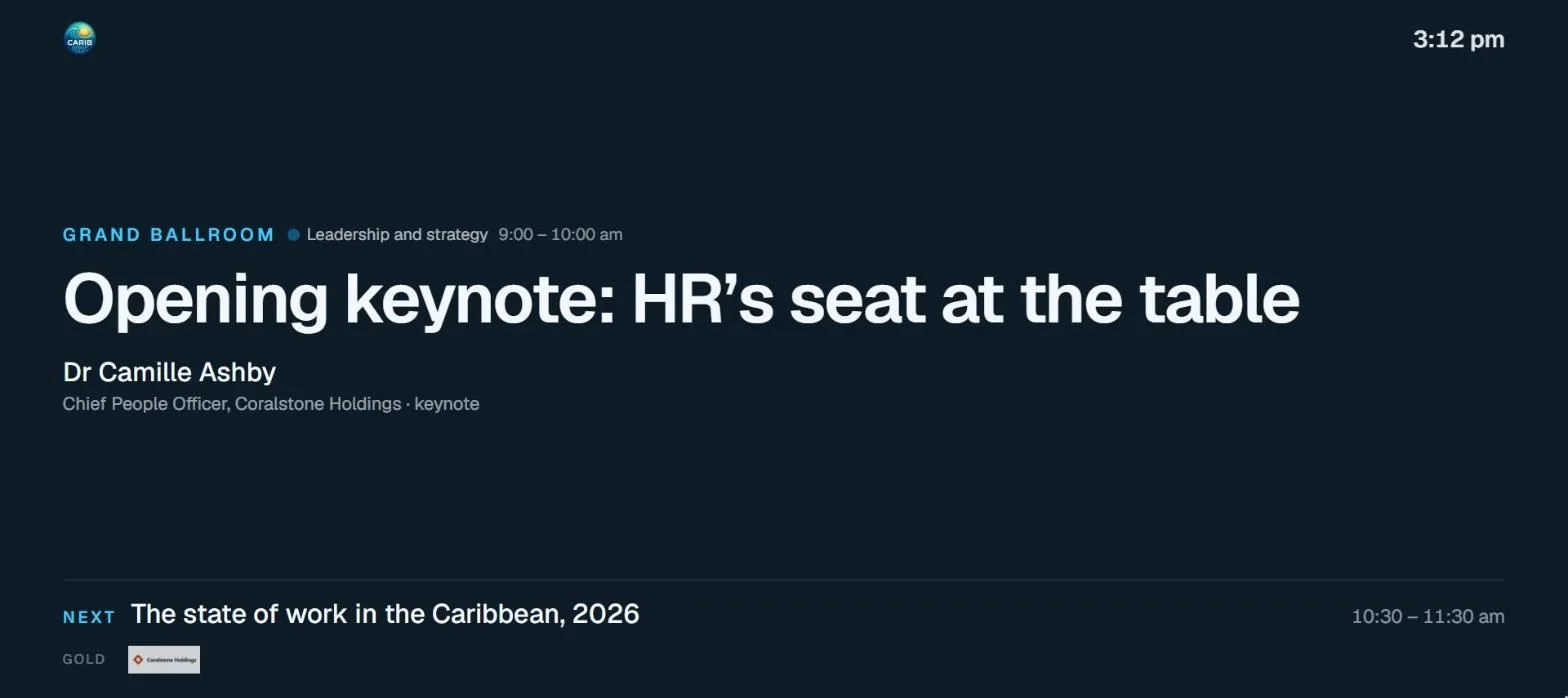
What Room screens does
3 things, all of them shippedVideo tutorials
Watch it in action
Short, narrated walkthroughs on a real workspace, with captions. No sign-up needed.
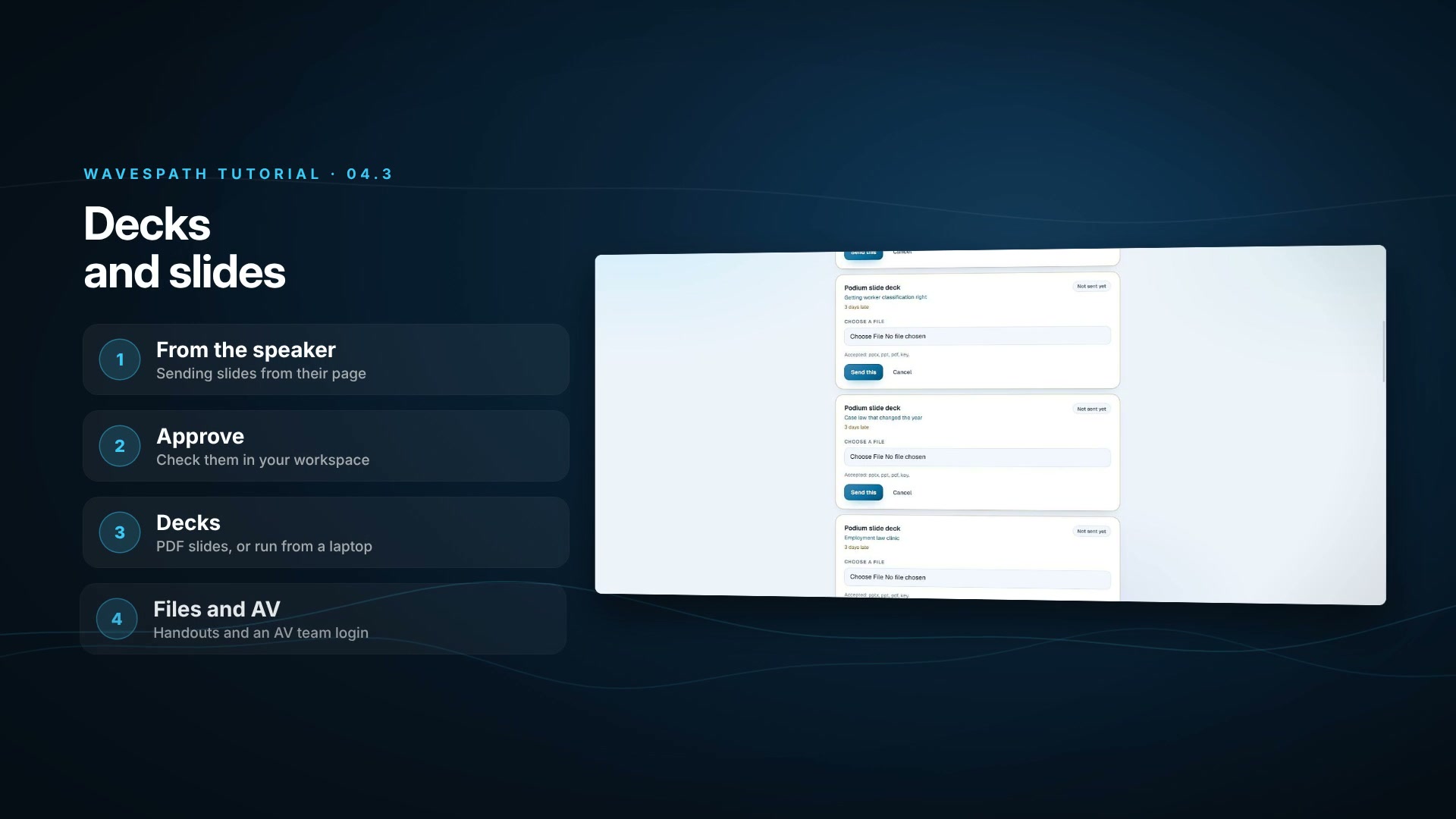 2:42Tutorial 04.3Decks and slidesA speaker’s slides from their own page to your stage: PDF slides for the room screens, PowerPoint and Keynote for the podium, the Files tab and an AV team login.Watch
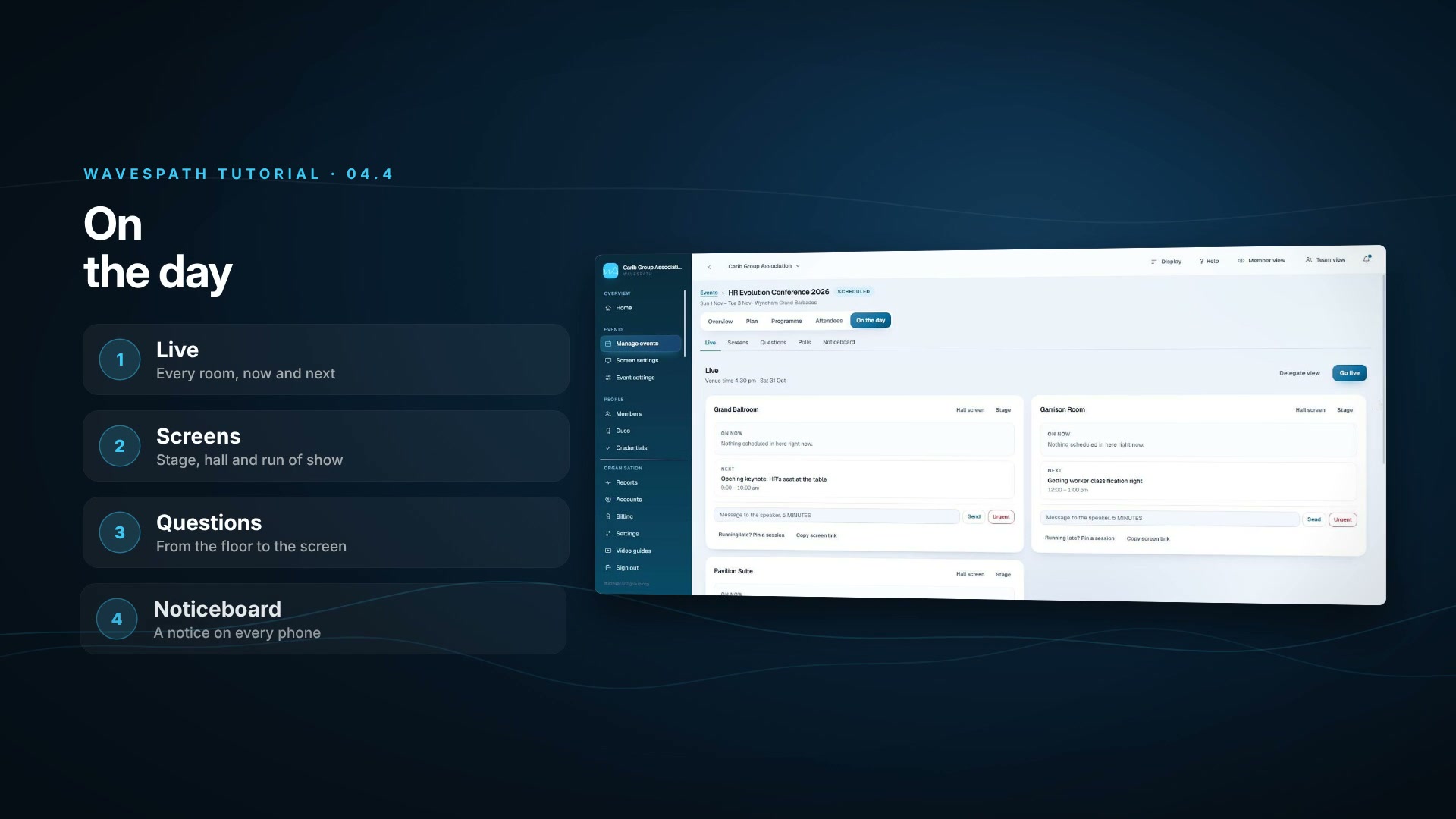 2:41Tutorial 04.4On the dayRun the day: every room live, the stage and hall screens, the run of show, questions from the floor and the noticeboard.Watch
More in Events & conference
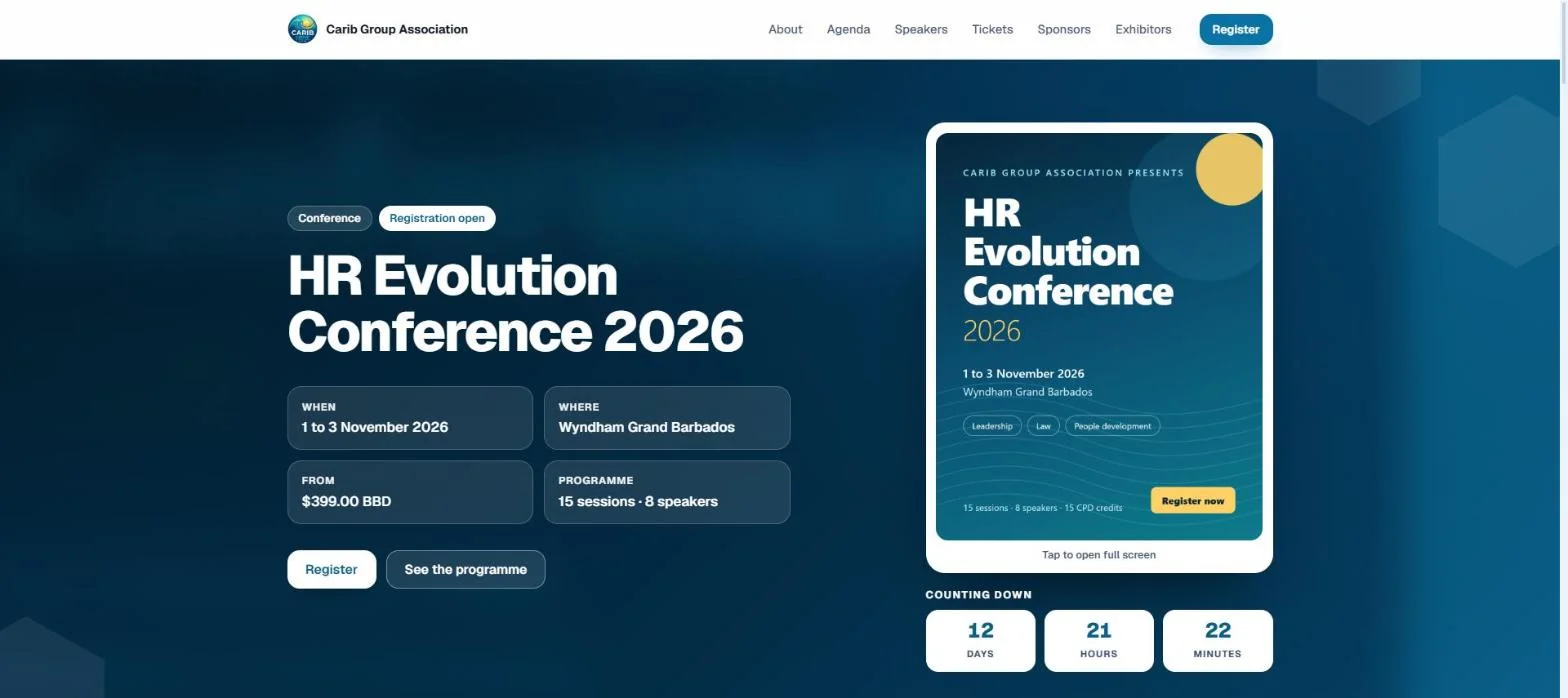
Event pages
Any shape of event, with a public page that sells it in your colours.
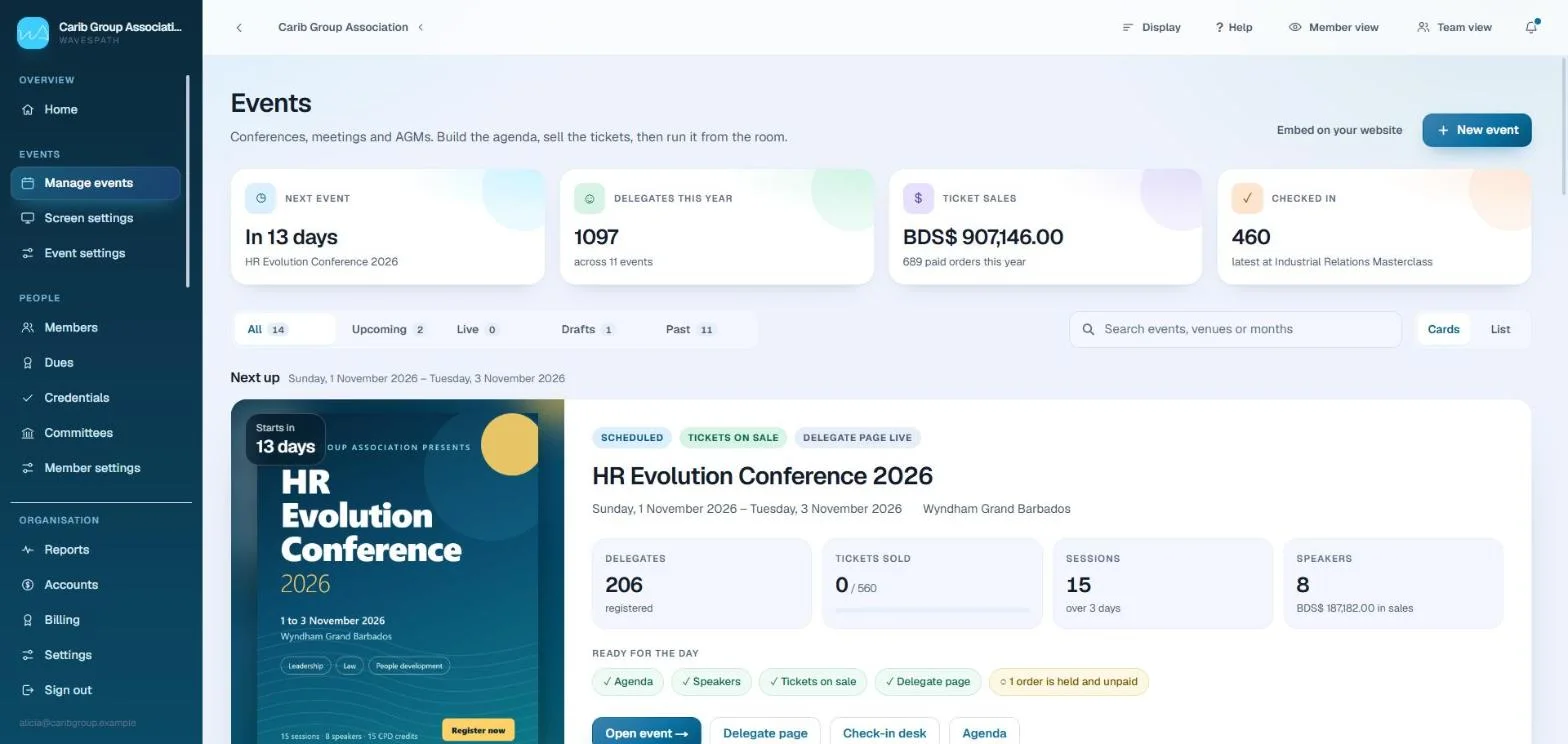
Registration and tickets
Member rates, early bird, extras per seat and seats reserved in a breakout.
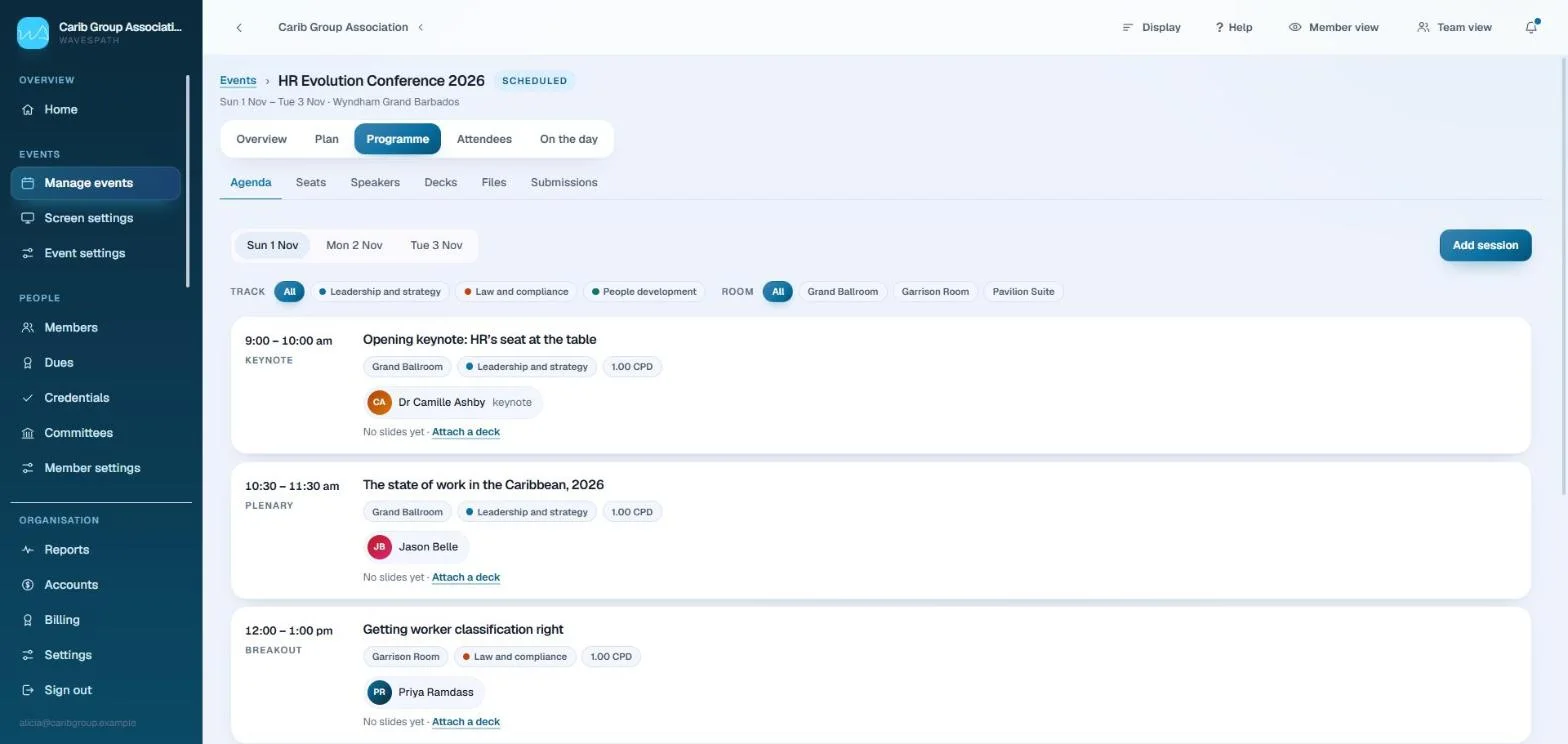
Agenda
Sessions in rooms on days, with credits set where the session is.
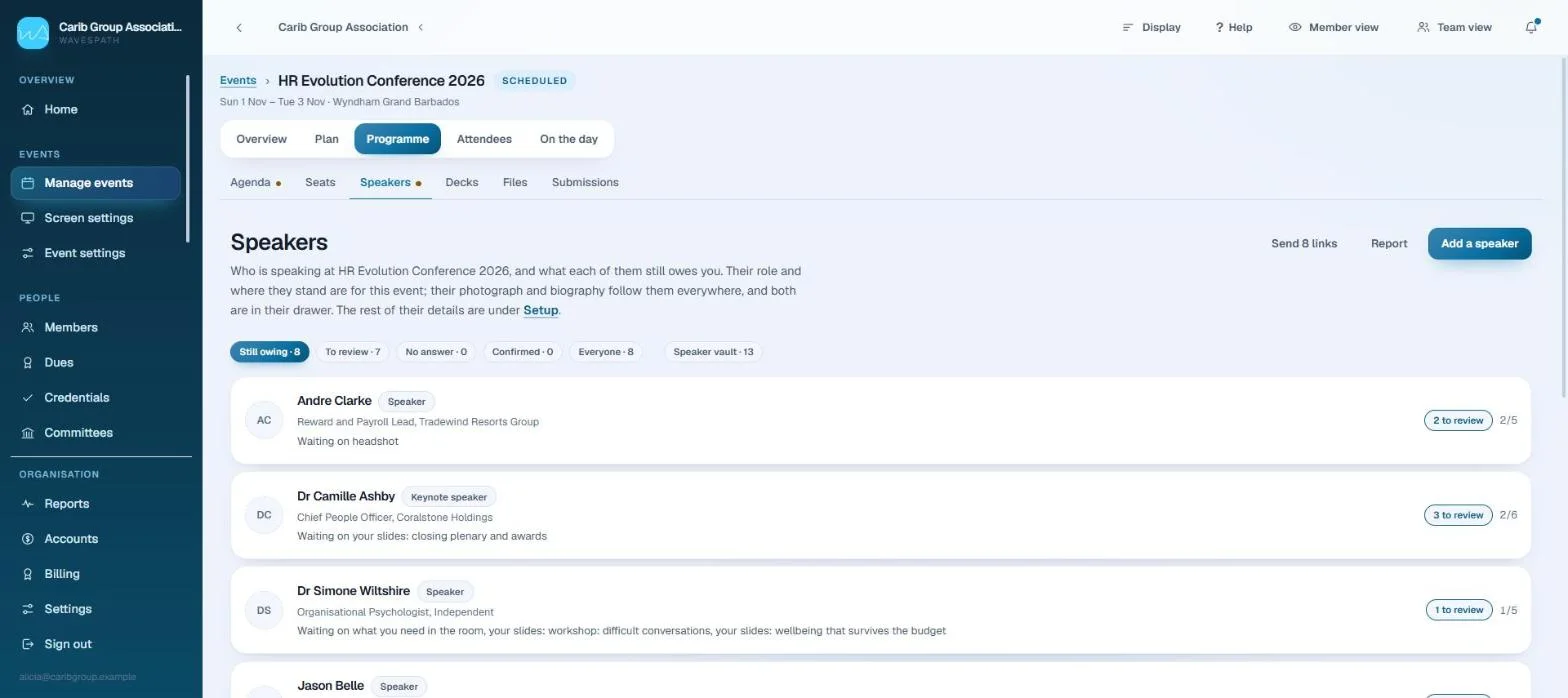
Speakers
One roster, a page of their own, and what each one still owes.
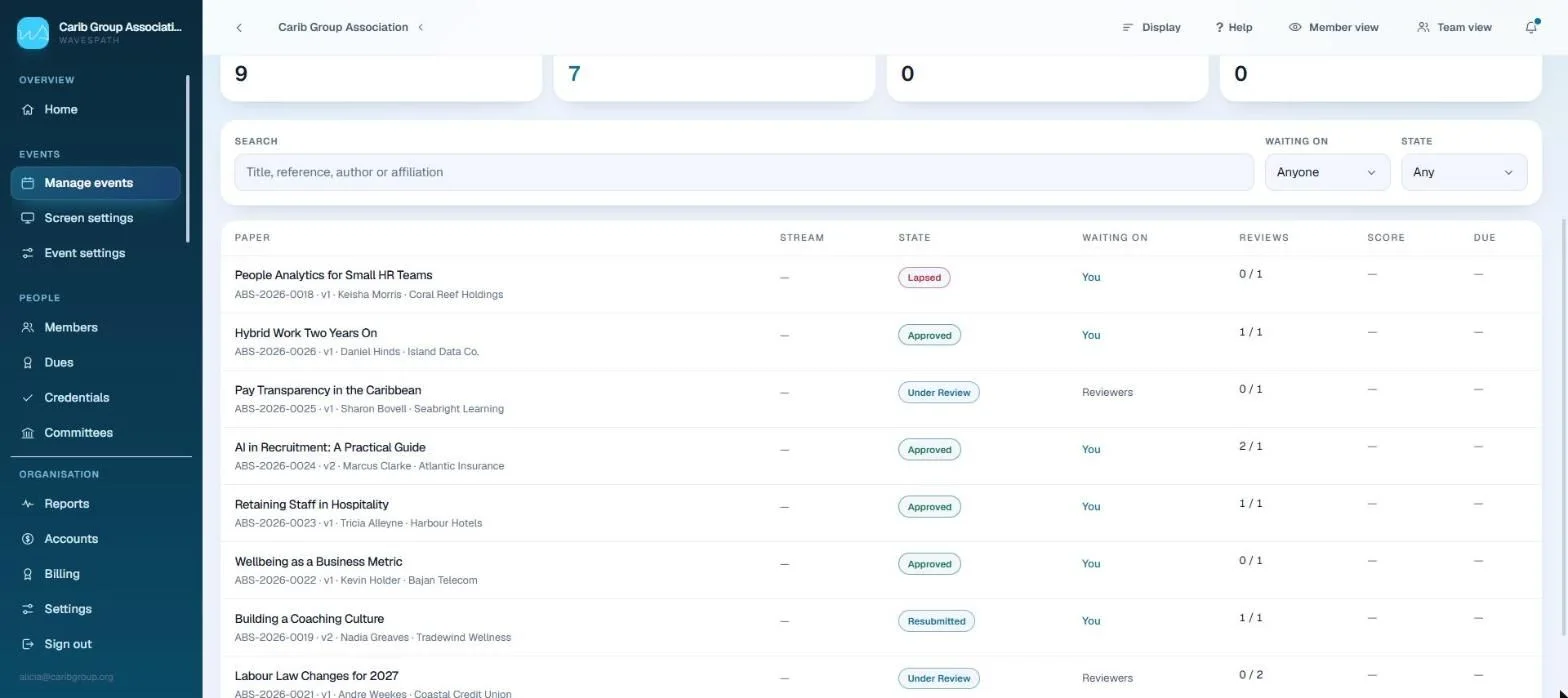
Call for papers
Submissions, blind review and decisions, straight onto the programme.
Exhibitors and sponsors
Sponsors by tier, and exhibitors who write their own pages.
Check-in
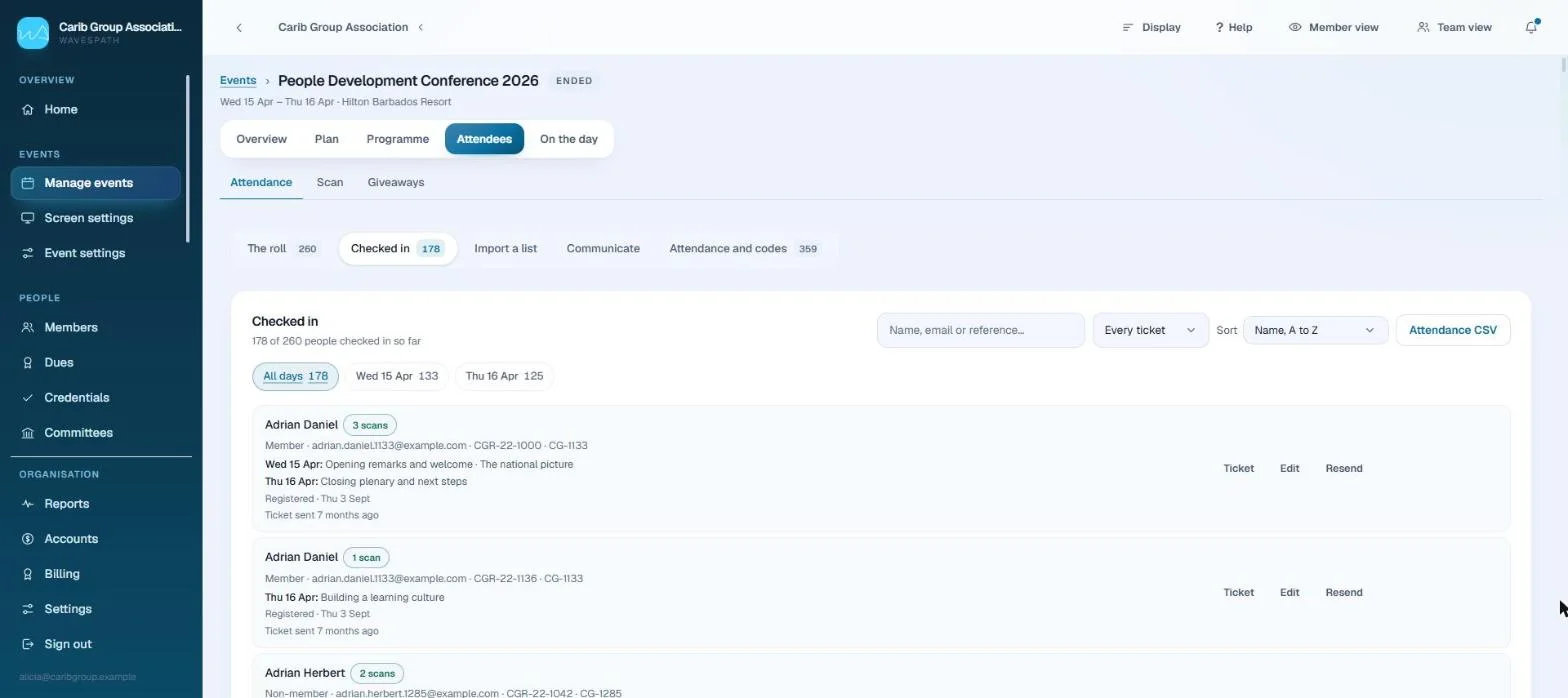
QR at the door or at each room, and attendance that turns into credit.
Delegate app
The agenda, their schedule, speakers, exhibitors and offers on every phone.
After the event
It closes itself, follows up with who came, and exports everything.
Chart a better course for your organisation
Share your operational goals with us. We will map out a tailored walkthrough showing exactly how WavesPath streamlines your members, your training and your events.