

Roles and access
Area by area, so a volunteer at the door gets the door and nothing else.
Part of Run the organisation. Built for a small team with a big year.

app.wavespath.com · Run the organisation · Roles and access
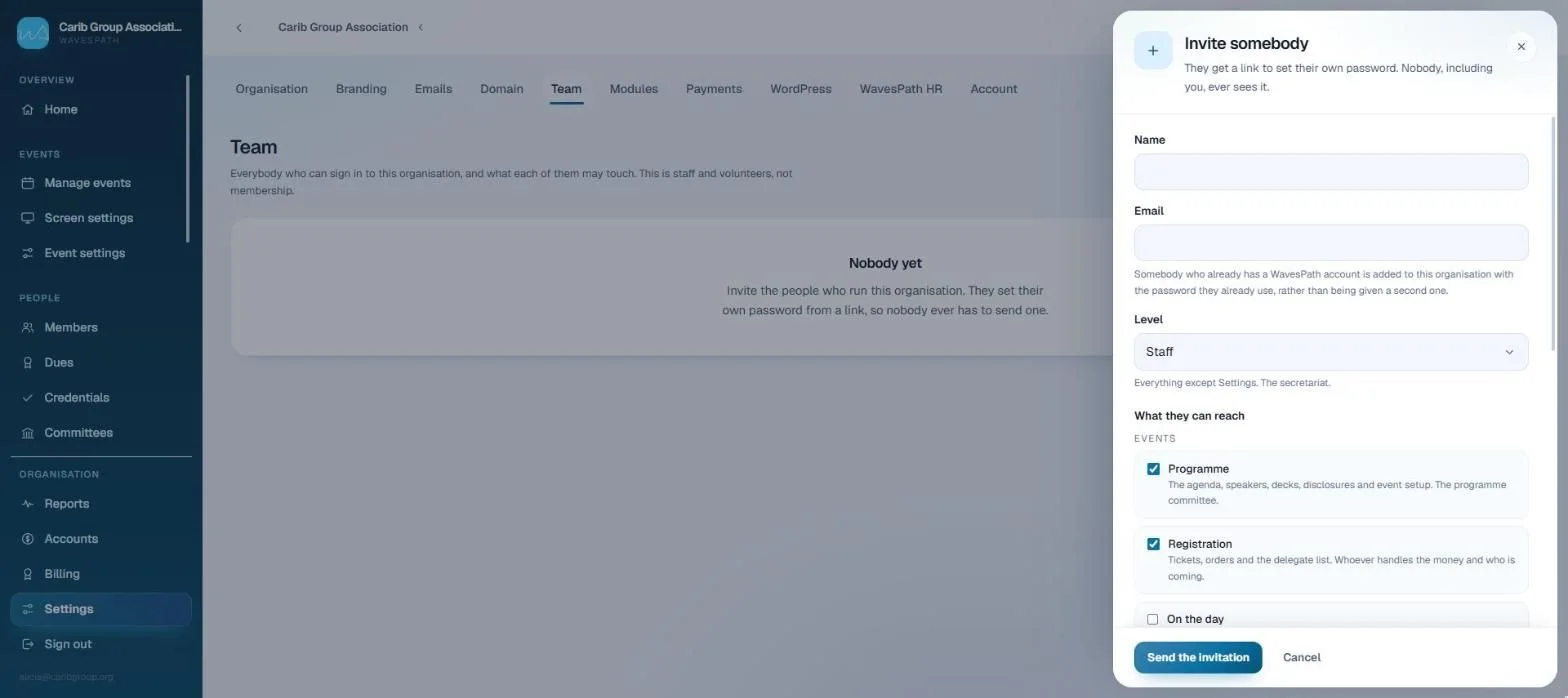
What Roles and access does
4 things, all of them shipped01Roles and areasOwner, administrator, staff, or selected areas only, with access granted area by area. A volunteer brought in to scan badges gets the door and nothing else.
02Checked everywhereEvery page and every action re-checks for itself, so a hidden link is not the only thing standing in the way.
03See it as they doView the workspace as a member or as a colleague, to know what they can actually reach.
04Two-factor sign-inAn authenticator code after the password, for anybody who wants it.
Video tutorials
Watch it in action
Short, narrated walkthroughs on a real workspace, with captions. No sign-up needed.
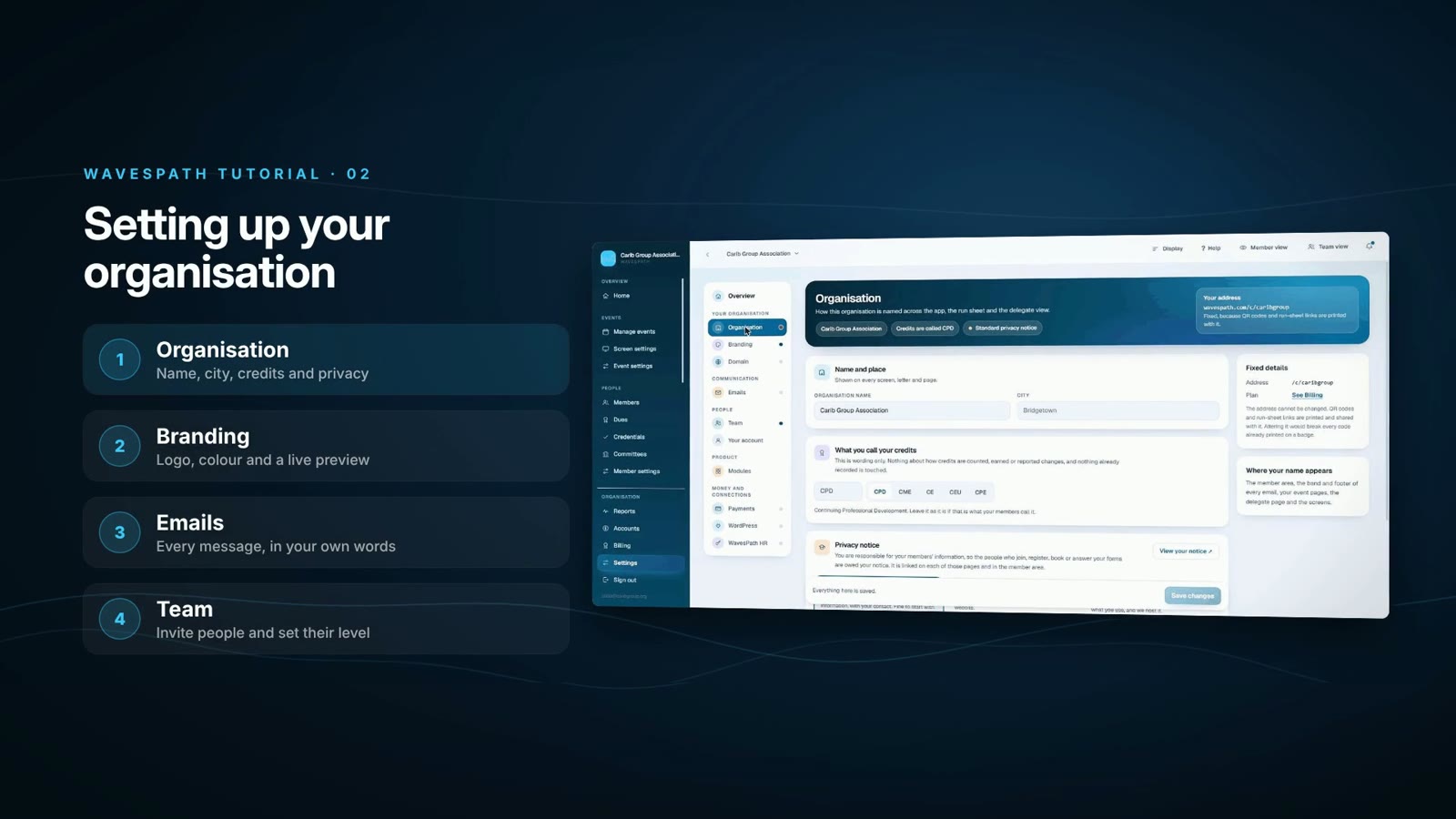 2:07Tutorial 02Setting up your organisationYour details and privacy notice, your logo and colour, every email in your own words, and inviting your team.Watch
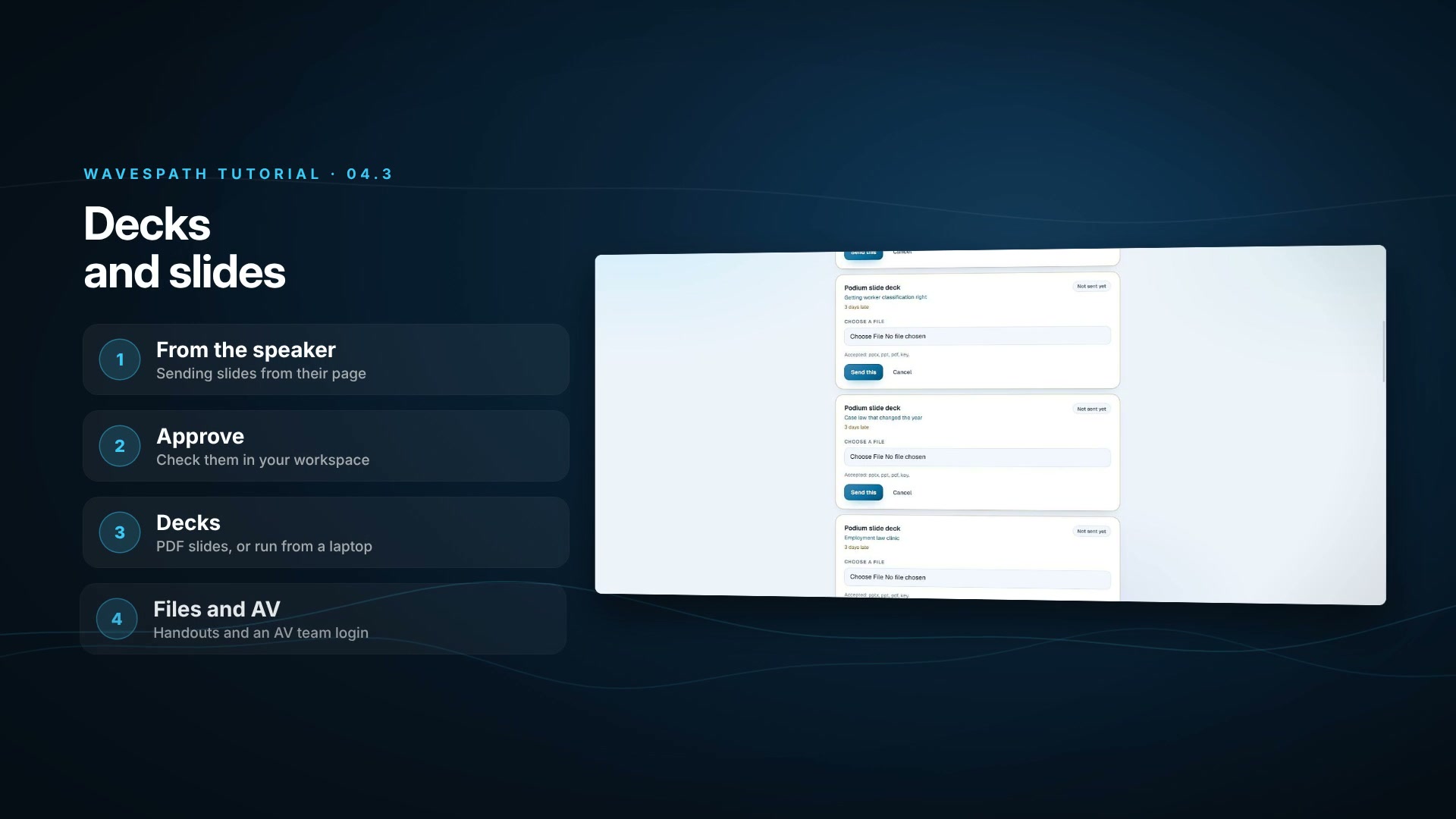 2:42Tutorial 04.3Decks and slidesA speaker’s slides from their own page to your stage: PDF slides for the room screens, PowerPoint and Keynote for the podium, the Files tab and an AV team login.Watch
More in Run the organisation
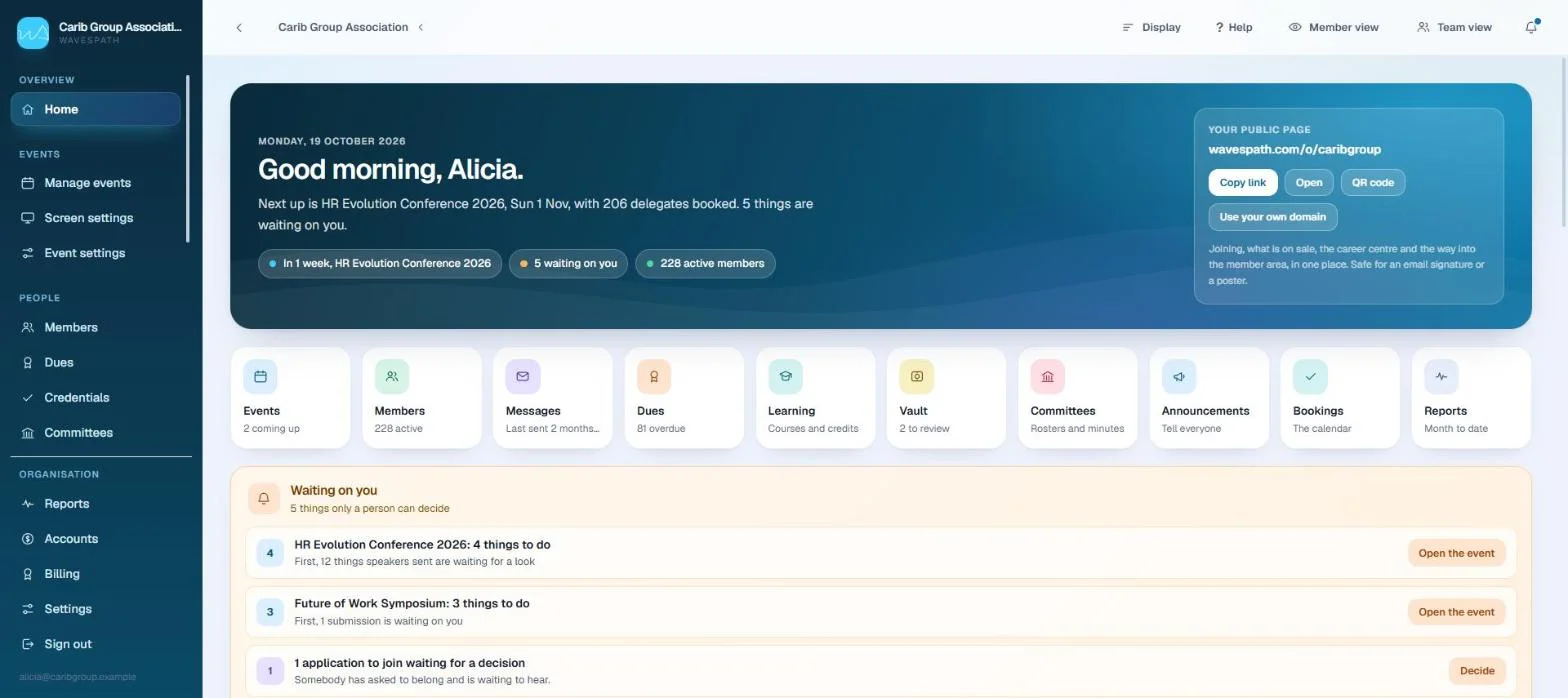
Home and to-dos
What is waiting on a person, each line opening the page that fixes it.
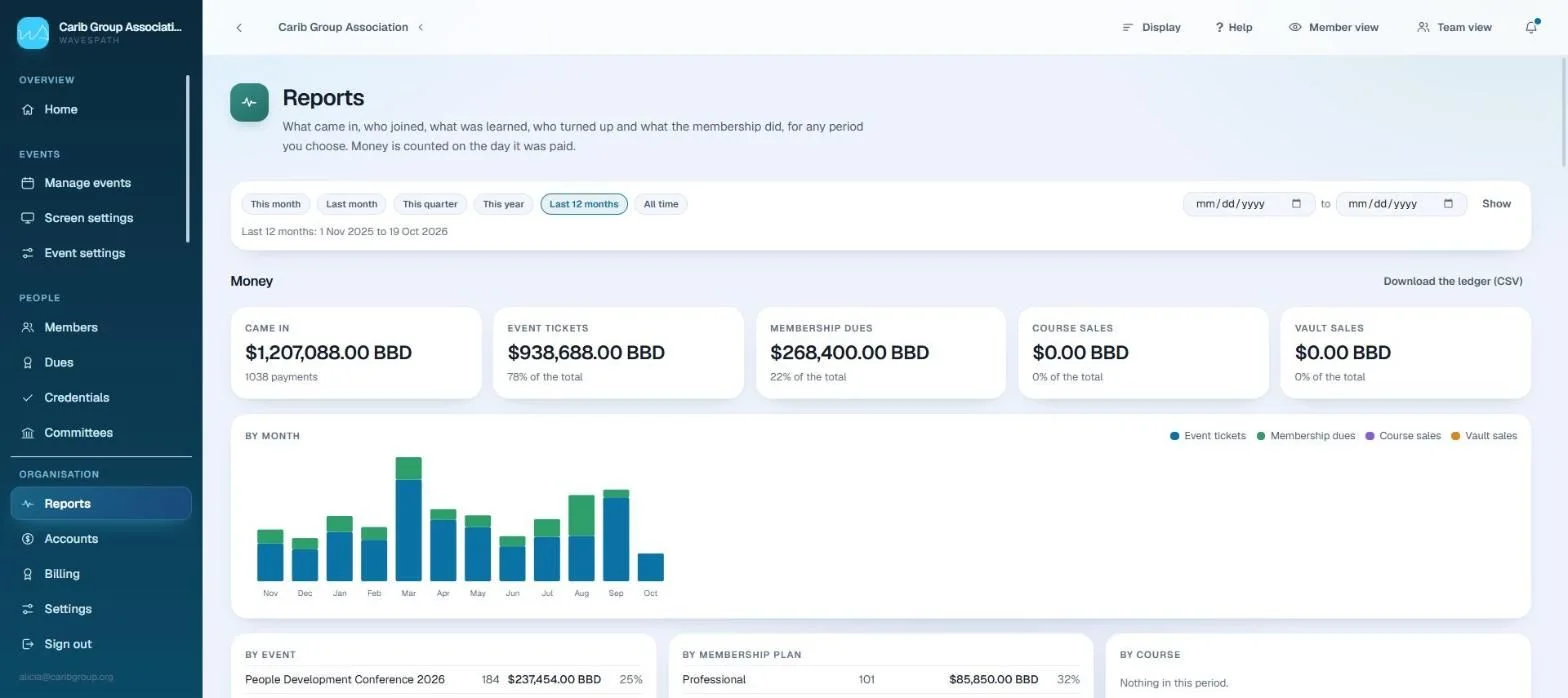
Reports and finance
Money by the day it was paid, in your time zone, ready for the treasurer.
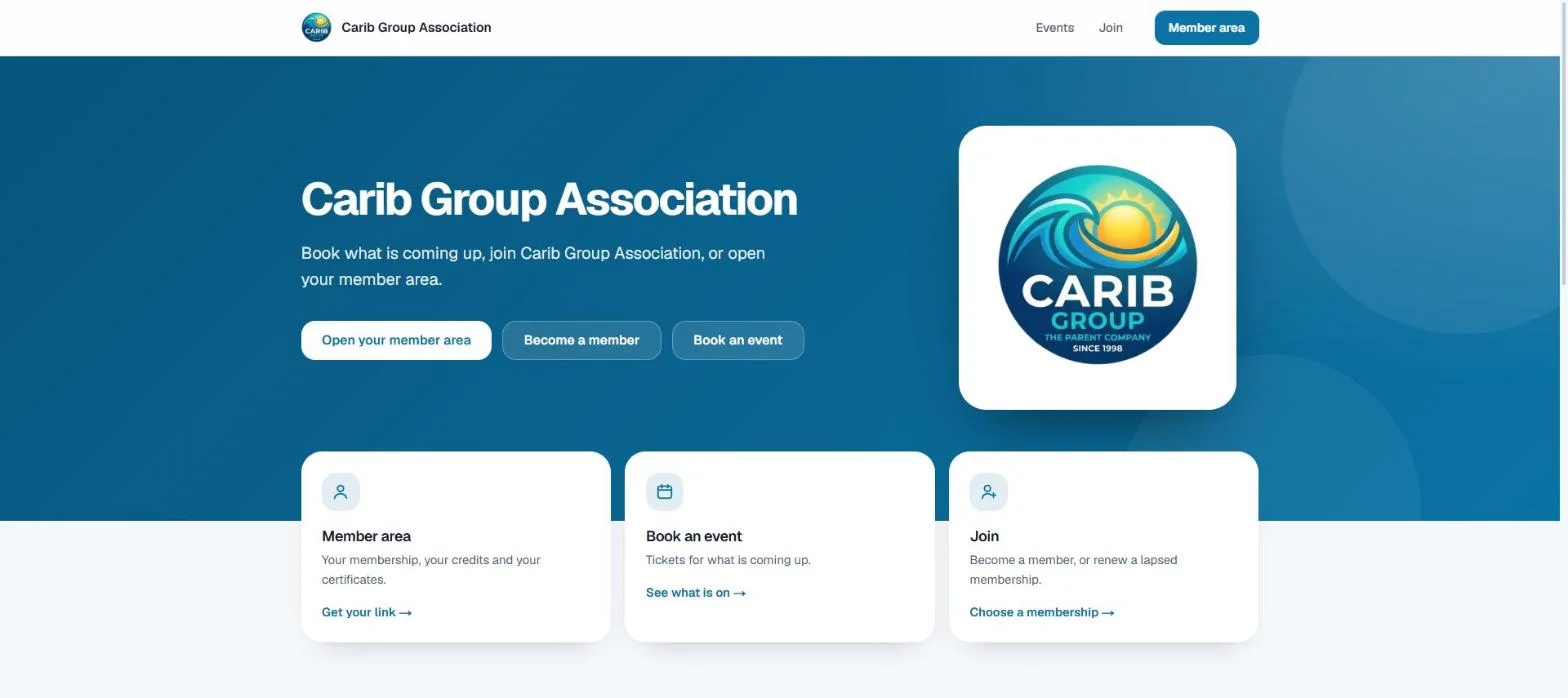
Your brand and domain
Your colours, your address and your sender on everything.
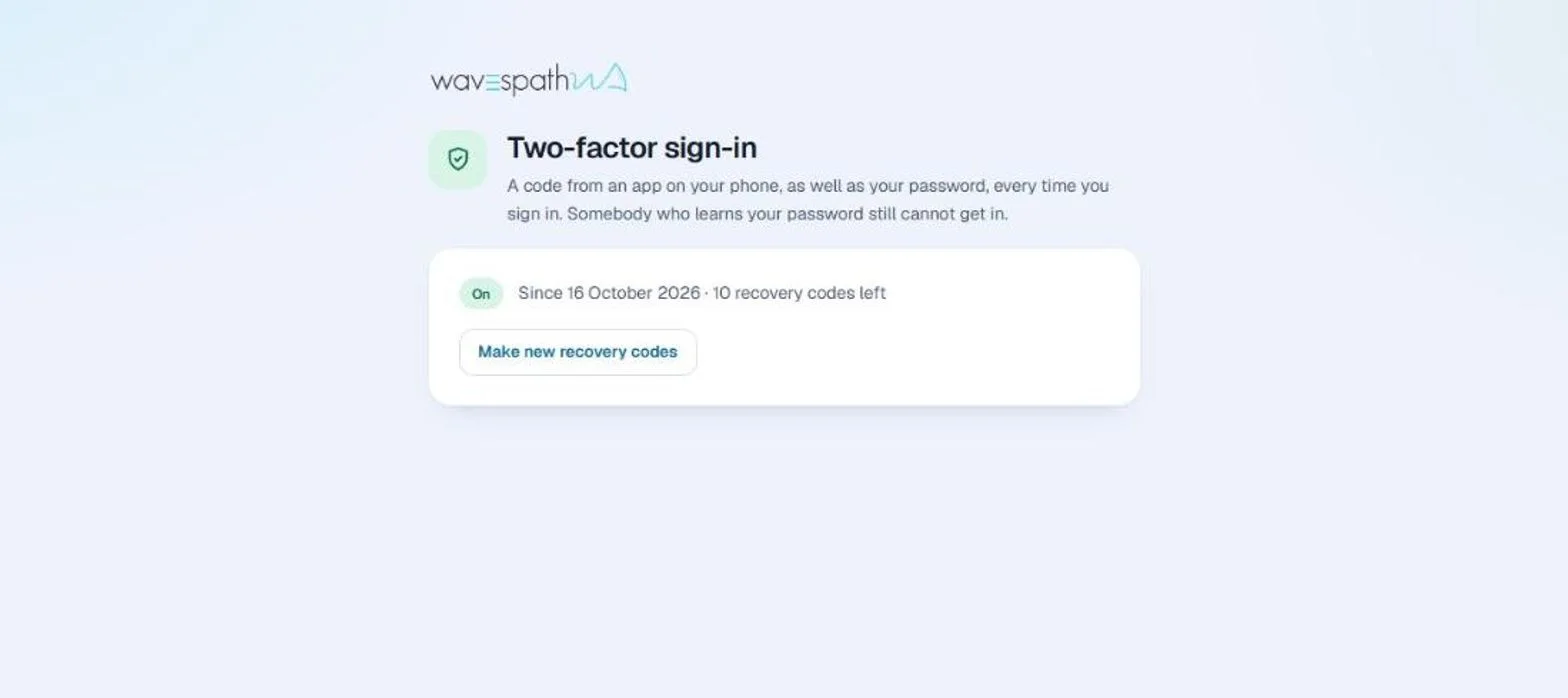
Security and your data
Default-deny access, card details that never reach us, and data that leaves when you ask.
Chart a better course for your organisation
Share your operational goals with us. We will map out a tailored walkthrough showing exactly how WavesPath streamlines your members, your training and your events.